Test the network speed between your devices.
A peer-to-peer speed test for the network you actually have. Measure real ping, jitter, and throughput between your Mac, your iPhone, and anything on your LAN. No third-party servers. No telemetry.
Mac $9.99 · iPhone $4.99 · One-time. No subscription.
What it measures
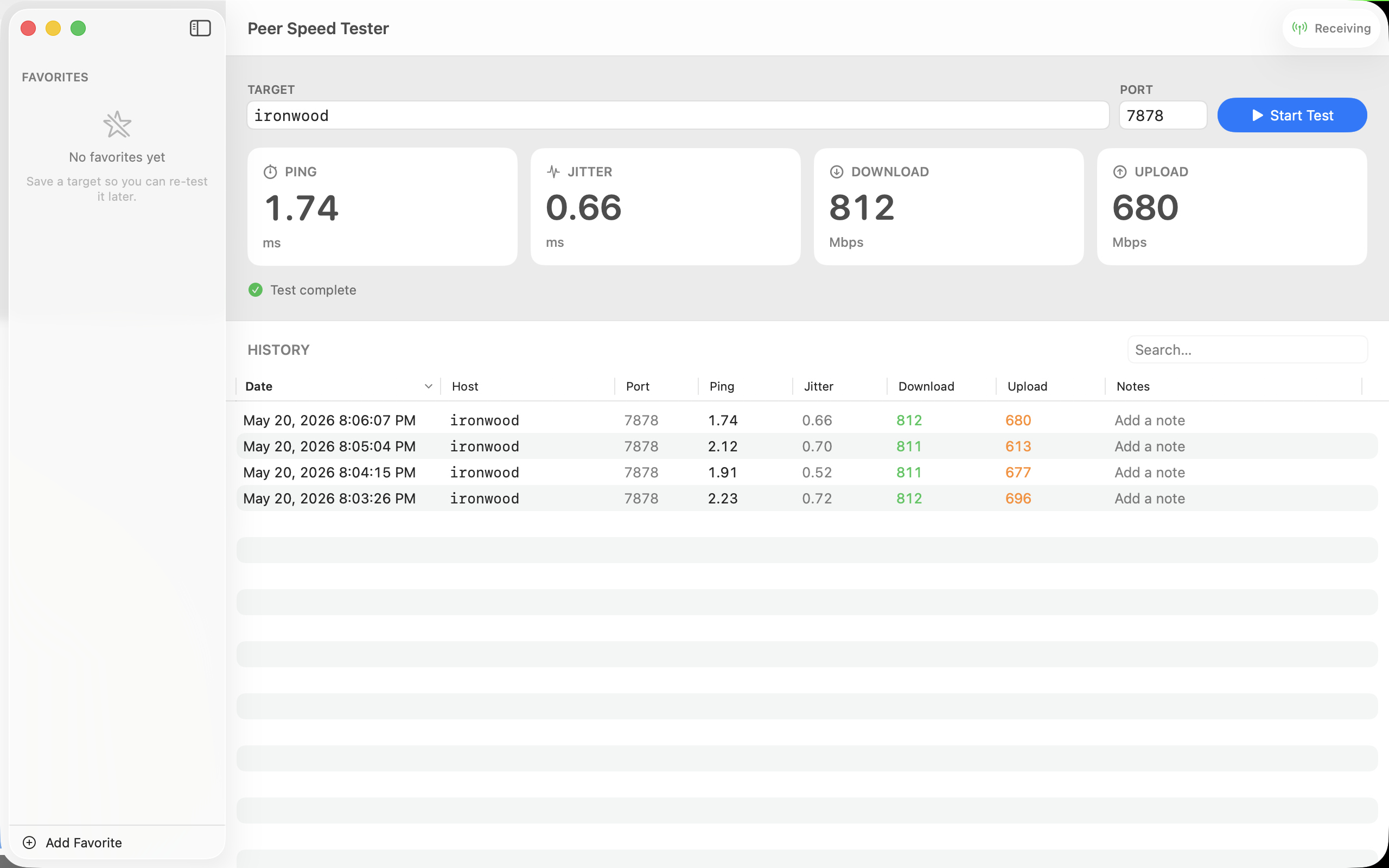
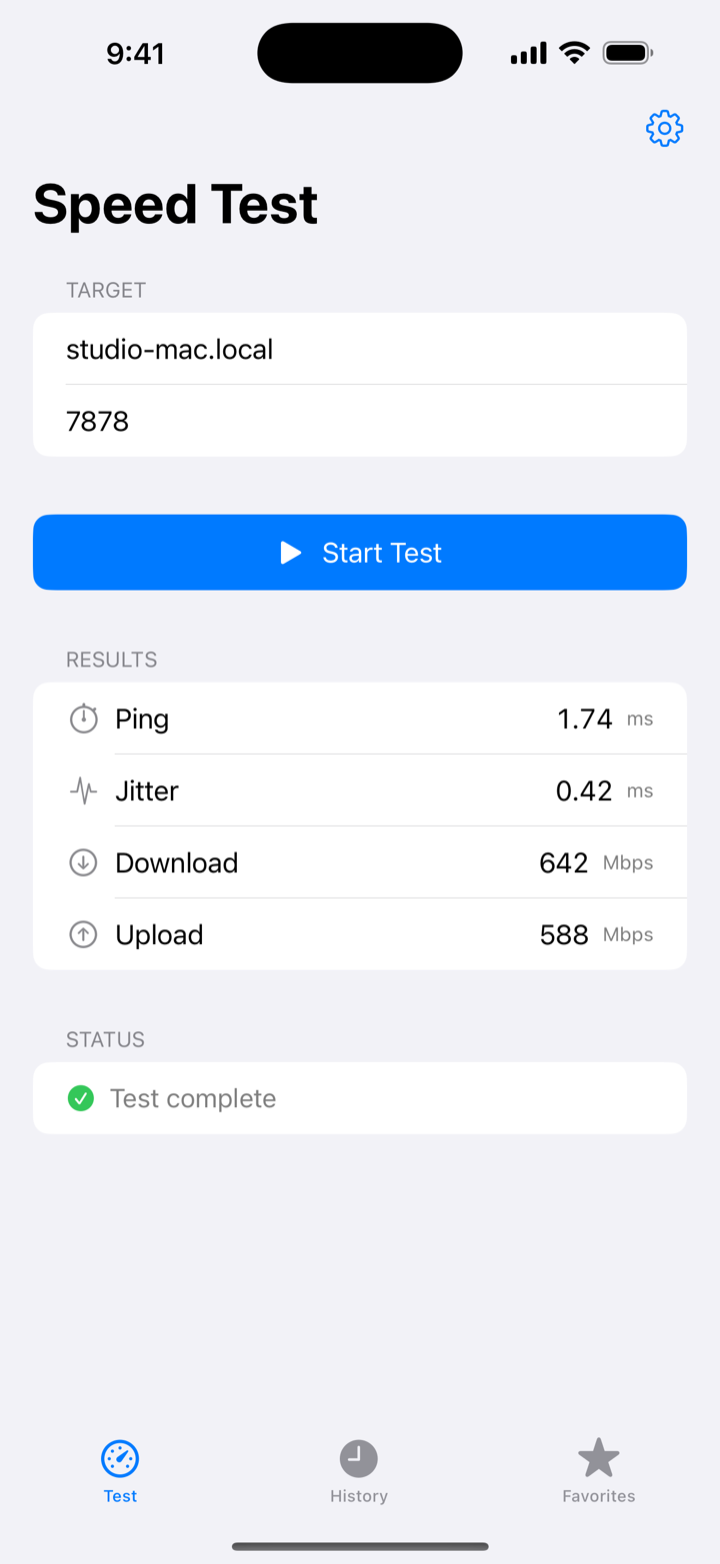
Four numbers, honestly measured.
Every test — from a Mac, an iPhone, or the CLI — reports the same four headline numbers, using methodology that matches how real networks actually behave.
Median round-trip latency over 20 samples.
How steady that latency is, sample to sample.
Sustained throughput across 4 parallel TCP streams.
Same methodology, the other direction.
Why peer-to-peer
Measure the network you actually care about.
Most speed-test apps measure the path to a data center. That's fine for proving your ISP's plan, but it tells you nothing about the wire between you and the thing you actually use. A LAN speed test measures the link between your own devices instead.
Jitter Box measures the Wi-Fi from where you're standing with your iPhone. The cable between your switch and your Mac. The VPN tunnel between your office and your laptop.
The link you care about — not the one your ISP wants you to look at.
One protocol, every platform
Three ways to run it.
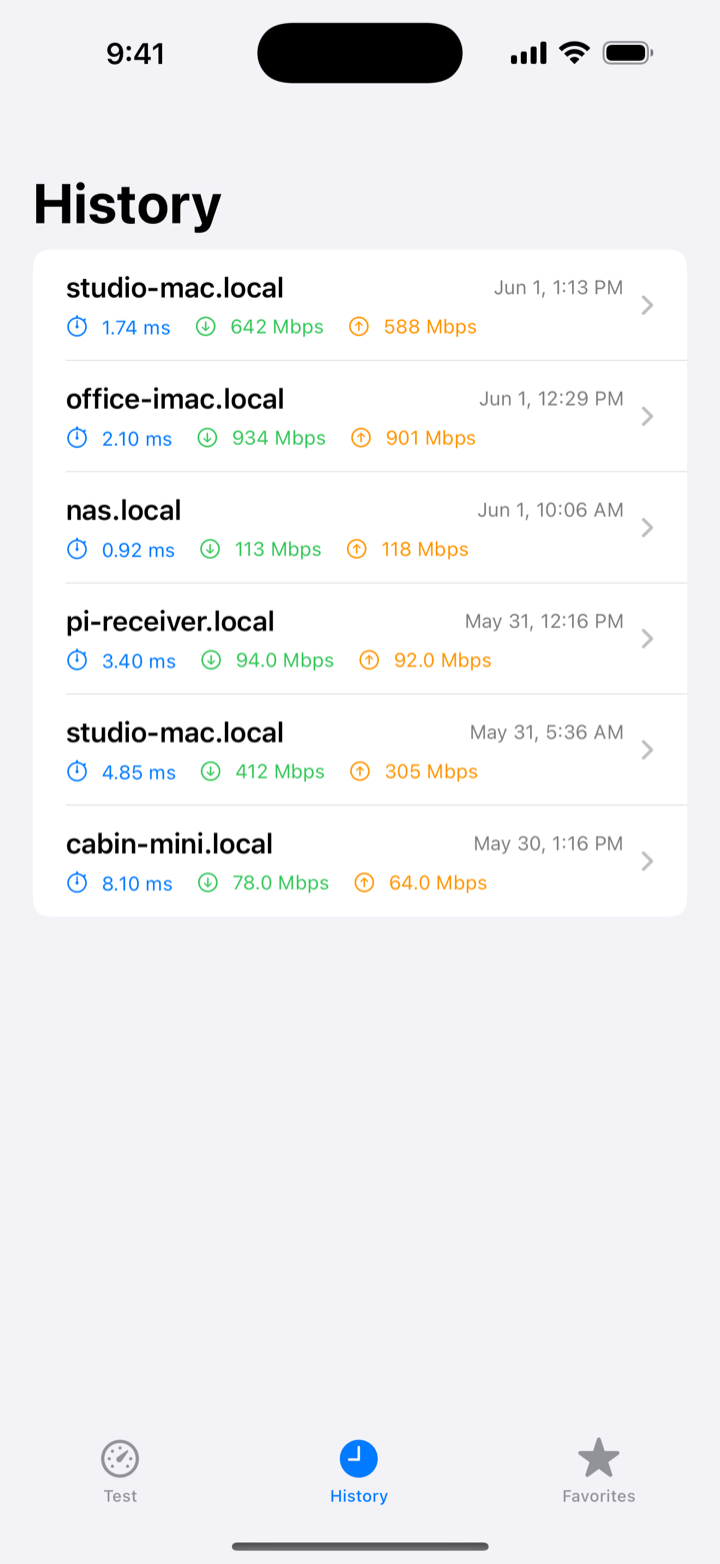
Every install speaks the same wire protocol, so any of these can test against any other — Mac to iPhone, iPhone to a Linux box, Mac to a cloud server. Mix and match.
On your Mac
The full experience: client and receiver in one app, a live needle, a menu-bar listener, and a complete local test history.
On your iPhone
Walk the house and find the dead spot. Point it at a Mac, a NAS, or the free CLI, tap Start, and read your four numbers — with saved favorites and history.
On Linux & more
A free, zero-dependency command-line receiver for Linux, macOS, and Windows. Perfect for an always-on box on a NAS, server, or home lab.
How it works
Three steps. About ten seconds.
- 1
Pick two devices.
Any mix works: two Macs, a Mac and an iPhone, an iPhone and a Linux box running the free CLI.
- 2
Flip on the receiver.
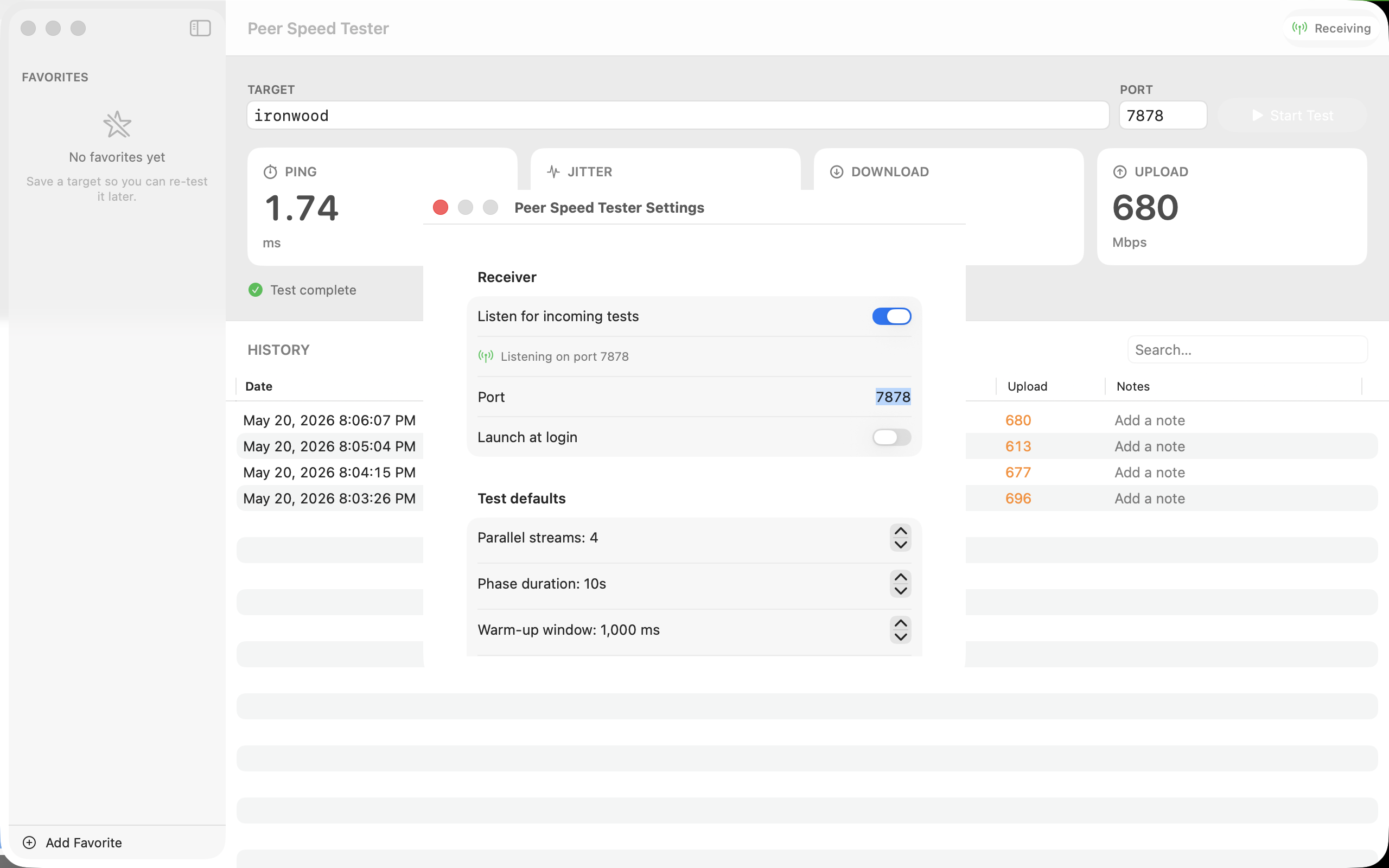
On the Mac app, toggle “Listen for incoming tests” (or just run the CLI). It listens on port 7878 by default.
- 3
Run the test.
On your Mac or iPhone, type the receiver's name or IP and hit Start. Ten seconds later you have your four numbers.
Privacy
Your data never leaves your network.
No analytics. No telemetry. No third-party SDKs. Every test talks only to a device you choose, and your test history lives on that device — your Mac, your iPhone — and nowhere else.
FAQ
Frequently asked questions.
How is Jitter Box different from speedtest.net or fast.com?
Internet speed tests measure the path from you to a data center, which proves your ISP plan and nothing else. Jitter Box is a local network speed test: it measures ping, jitter, download, and upload between two of your own devices — Mac to iPhone, Mac to Mac, or anything running the free CLI — so you can diagnose your Wi-Fi, mesh, switches, and cables.
Is Jitter Box an iperf3 alternative?
For most people, yes. Like iperf3 it measures throughput between two machines on your LAN, but with a native Mac and iPhone app instead of a terminal — plus median ping, jitter, saved favorites, and a full test history. The free CLI receiver plays the iperf3-server role on Linux.
Can I find Wi-Fi dead spots by walking around with my iPhone?
That is exactly what the iPhone app is for. Start a receiver on a Mac (or the free CLI on a Linux box or NAS), then walk the house running tests — watching download speed drop and jitter spike room by room shows you precisely where your Wi-Fi coverage falls apart.
Does it work with a Linux server or NAS?
Yes. The free command-line receiver is a single zero-dependency binary for Linux on x86-64 and ARM64, so it runs on most NAS boxes, home-lab servers, and cloud VMs. Leave it running as an always-on receiver and test against it from your Mac or iPhone anytime.
Does it work over Tailscale, WireGuard, or another VPN?
Yes. Jitter Box uses plain TCP, so any VPN that routes traffic between the two peers works — which makes it a handy way to measure the real throughput and latency of a Tailscale or WireGuard tunnel, not just your local link.
What do ping and jitter actually measure?
Ping is the median round-trip latency across 20 samples — how long a packet takes to get to the other device and back. Jitter is how much that latency varies sample to sample. Low jitter is what makes video calls, gaming, and streaming feel smooth, even on links with plenty of bandwidth.
From $4.99. One-time.
No subscription.
Buy it once, own it forever. Updates arrive through the App Store like every other app you trust.
Mac $9.99 (macOS 14+) · iPhone $4.99 (iOS 17+)